
.svg)
How to Migrate from WordPress to Webflow (Without Losing SEO Rankings)
.avif)


.svg)

Your WordPress site ranks on page one for 50+ keywords. One botched migration could wipe that out overnight.
That fear keeps thousands of businesses stuck on a platform they’ve outgrown. But here’s the truth: a wordpress to webflow migration done right doesn’t just preserve your rankings. It often improves them. The key is treating SEO preservation as the foundation of your migration strategy, not an afterthought.
This guide walks through the exact process to migrate wordpress to webflow while protecting every ranking you’ve earned. Whether you’re handling it in-house or evaluating agencies, this webflow migration guide gives you the complete playbook.
Why Businesses Are Moving from WordPress to Webflow
WordPress powers millions of websites, but it comes with baggage. Plugin dependency creates security vulnerabilities. Every update risks breaking something. And the performance overhead from stacked plugins drags down your Core Web Vitals scores.
Webflow eliminates those pain points. Built-in hosting, visual design control, and cleaner code output mean faster load times without the plugin bloat. For B2B and SaaS companies that need conversion-focused designs, Webflow offers the flexibility to build exactly what you need without developer bottlenecks.
The real question isn’t whether you should move your website from wordpress to webflow. It’s how you make the switch without losing the organic traffic you’ve worked so hard to build.
If you’re considering the move, Zanger Digital’s Webflow development team specializes in migrations that prioritize both design and search performance.
The Pre-Migration SEO Audit (The Step Most Companies Skip)
Here’s the thing: you can’t preserve what you haven’t documented. Before touching a single file, you need a complete picture of your current SEO performance.
Start by benchmarking everything:
- Export all URLs and their current rankings using Google Search Console or Screaming Frog
- Document your top-performing pages by organic traffic
- Record every meta title, description, and heading structure
- Map your internal link architecture from page to page
- Note your current Core Web Vitals scores as a baseline
Next, export all data from your SEO plugins (Yoast, RankMath, or whatever you’re running) before deactivating anything. Create a complete URL inventory spreadsheet that becomes your migration roadmap.
As Certified Webflow Partners, the team at Zanger Digital treats this audit as the most critical phase of any wordpress to webflow seo project. Skip it, and you’re flying blind. Invest in it, and every subsequent step becomes dramatically easier.
Need help with the audit? Zanger Digital’s SEO team can benchmark your current performance and build a migration-ready SEO roadmap.
Step-by-Step WordPress to Webflow Migration Process
With your audit complete, here’s the process to migrate wordpress to webflow safely.
Step 1: Back Up Everything
Start with a full site backup, including both files and your database. Export your WordPress content via XML or CSV using the WP All Export plugin. Download all media files separately, because these won’t transfer automatically.
Step 2: Plan Your Webflow Site Architecture
Map every WordPress page to its Webflow equivalent. Decide which content becomes static pages and which belongs in CMS collections. This is also the time to consolidate thin pages or retire content that no longer serves your goals.
The most critical decision here: design your URL structure to match existing URLs wherever possible. Changing URLs is the single biggest cause of ranking drops during migration.
Step 3: Build and Import Content in Webflow
Set up CMS collections for blog posts, case studies, and other dynamic content. Import your content via CSV into Webflow’s CMS. Recreate static pages with improved layouts that take advantage of Webflow’s design capabilities.
Apply all SEO metadata during the build. Every title tag, meta description, and Open Graph tag should be in place before launch.
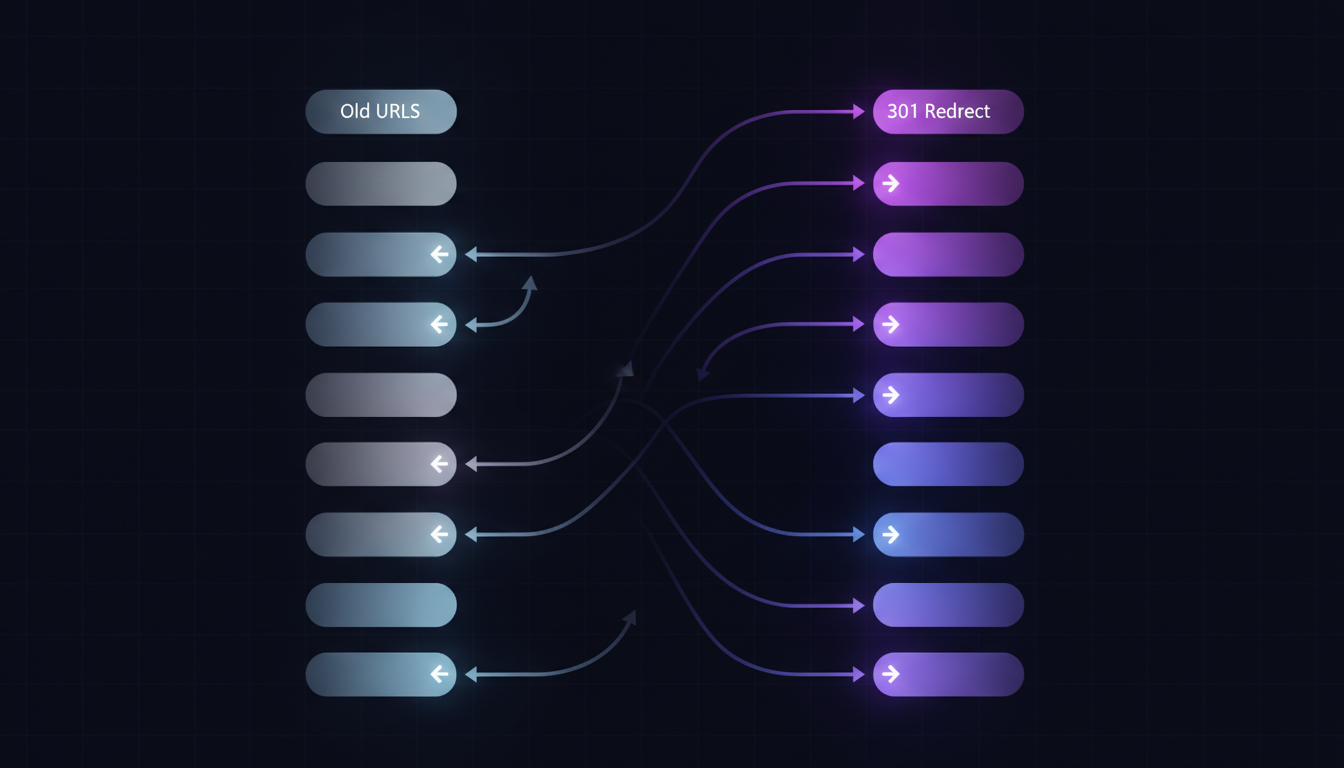
Step 4: Set Up 301 Redirects (Non-Negotiable)
This step makes or breaks your migration. Map every old URL to its new Webflow equivalent. Use Webflow’s built-in redirect tool or bulk upload redirects via the Finsweet extension.
Watch for these common pitfalls:
- Forgetting trailing slashes (/blog vs /blog/)
- Case sensitivity differences between platforms
- Query parameters that get stripped during migration
Test every single redirect before going live. At Zanger Digital, we use a 50+ point migration checklist refined across dozens of WordPress-to-Webflow projects to catch issues like these before they cost you rankings.
Step 5: Launch and Submit to Search Engines
Point your DNS to Webflow hosting. Immediately submit your updated sitemap to Google Search Console. Request indexing for your most important pages first.
Monitor Search Console daily for the first two weeks. Crawl errors caught early are easy to fix. Crawl errors caught months later can mean lost rankings that take quarters to recover.
How to Protect Your SEO Rankings During Migration
Even with a solid migration process, small details can cause ranking fluctuations. Here’s your wordpress to webflow seo protection checklist:
- Keep URL structures identical wherever possible. This alone prevents most ranking drops
- Preserve all meta titles and descriptions exactly as they were. Optimize later, not during migration
- Maintain heading hierarchy. Your H1, H2, and H3 structure should match the original pages
- Update internal links to point directly to new URLs, not old ones that redirect
- Verify canonical tags are set correctly in Webflow
- Confirm robots.txt and sitemap.xml are properly configured
Expect a temporary ranking fluctuation for 2 to 4 weeks after launch. That’s normal. But if rankings haven’t stabilized after 30 days, check for missed redirects, duplicate content, or indexing issues in Search Console.

Post-Migration Monitoring Checklist
Your webflow migration doesn’t end at launch. Follow this timeline to catch issues early:
- Week 1: Check Google Search Console daily for crawl errors and monitor indexing status
- Weeks 2 through 4: Compare rankings against your pre-migration benchmarks
- Months 2 through 3: Analyze traffic trends and identify pages that need attention
- Ongoing: Run monthly site audits and optimize for Core Web Vitals
Set up automated alerts for ranking drops on your priority keywords. The earlier you catch a problem, the faster you can fix it.
For ongoing support after migration, Zanger Digital’s Webflow maintenance plans include monthly performance audits and continuous optimization.

FAQ: WordPress to Webflow Migration
Will I lose my SEO rankings when migrating to Webflow?
Not if you follow proper redirect mapping and preserve your existing SEO metadata. Temporary ranking fluctuations are normal, but rankings typically stabilize within 2 to 4 weeks. Many businesses actually see improvements thanks to better Core Web Vitals on Webflow.
How long does a WordPress to Webflow migration take?
For most B2B websites, expect 3 to 6 weeks depending on site size and complexity. The SEO audit and redirect planning alone take 1 to 2 weeks. Rushing this phase is where most migrations go wrong.
Can I migrate my WordPress blog posts to Webflow?
Yes. WordPress content can be exported to CSV and imported into Webflow’s CMS collections. Images and media files need to be handled separately, but the process is straightforward with the right preparation.
Making the Move with Confidence
A wordpress to webflow migration is one of the highest-impact decisions a growing business can make for site performance, design flexibility, and long-term scalability. Companies that migrate strategically often see ranking improvements within 3 to 6 months, thanks to better Core Web Vitals and cleaner site architecture.
The difference between a migration that costs you rankings and one that boosts them comes down to preparation. Document everything, map every redirect, preserve your SEO metadata, and monitor closely after launch.
Ready to migrate without the risk? Talk to the Certified Webflow Partners at Zanger Digital about a migration plan built around protecting your search performance from day one.




.svg)